
TerraEye Product Update November 2025
We’ve released a set of upgrades that make projects easier to understand, quicker to analyze, and, yes, more enjoyable to use. Here’s the overview in simple language.
Identify the correct layer instantly
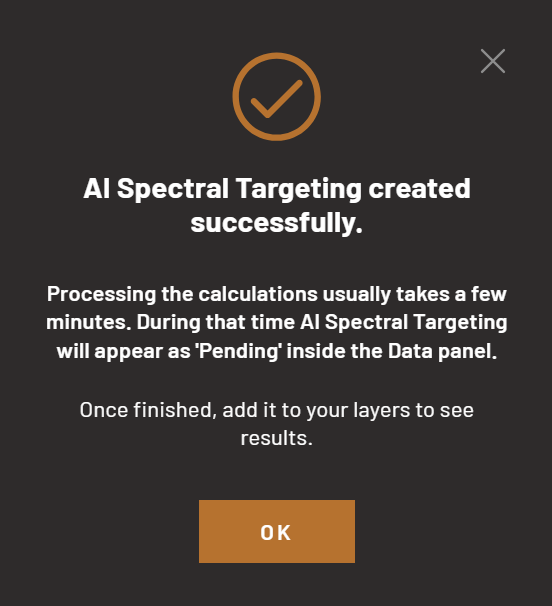
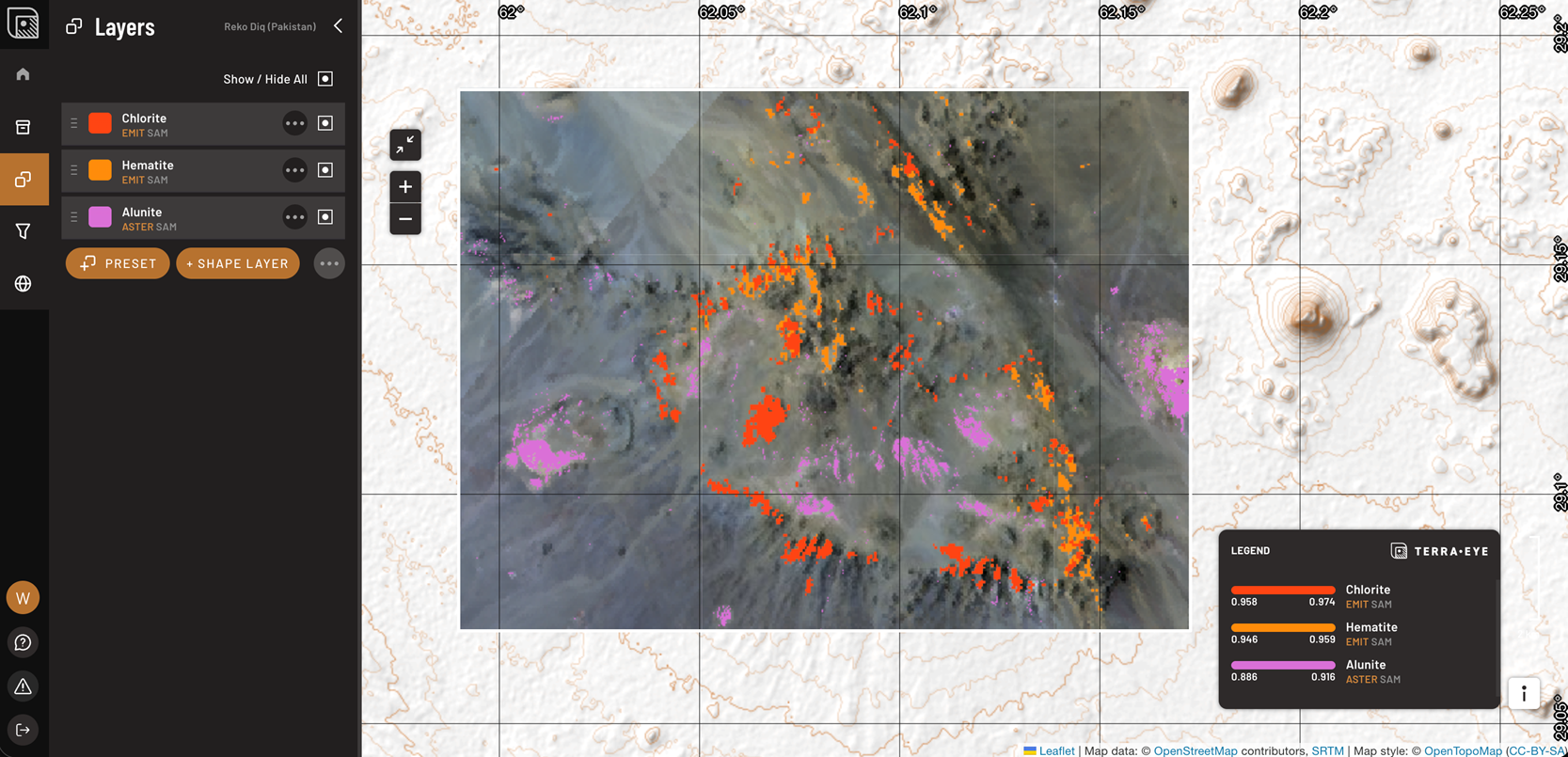
Layer names were becoming long and inconsistent, which slowed everyone down. We’ve cleaned that up: results now use simple mineral names, and each layer has a clear tag for the data supplier and method. Even BEC-based outputs now display the true source instead of a generic “S2.” The net result: less hunting, more interpreting.
See patterns, not just pixels
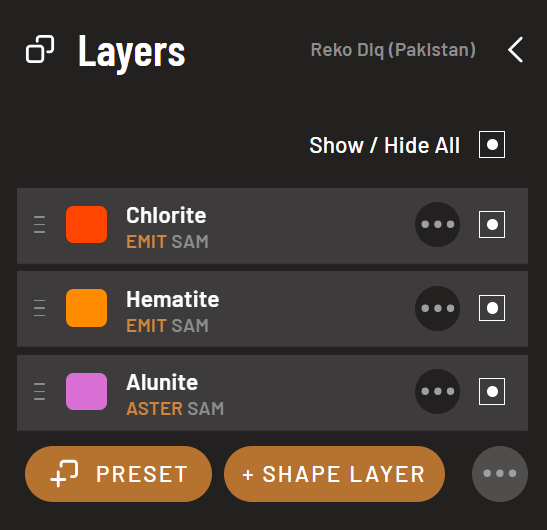
When you analyze a large area, individual pixels can obscure the whole story. Our new hexagon view groups pixels into an adjustable grid, allowing you to identify trends at different scales. You can enlarge or shrink hexagons by zooming and select how values combine—min or max—to match your question. At high zoom levels, map tiles are resampled. When you choose 'min' or 'max', we request tiles that honor that choice, so each hexagon reflects the underlying extremes as accurately as possible.
Bring your own context (GeoJSONs)
You can now drop your own vector layers (GeoJSONs) into a project to compare targets with your boundaries, surveys, or interpretations. Today, these files stay local in your browser (not in the cloud). Cloud save is on the way, but we wanted to give you the utility immediately.
Fewer clicks to reach results
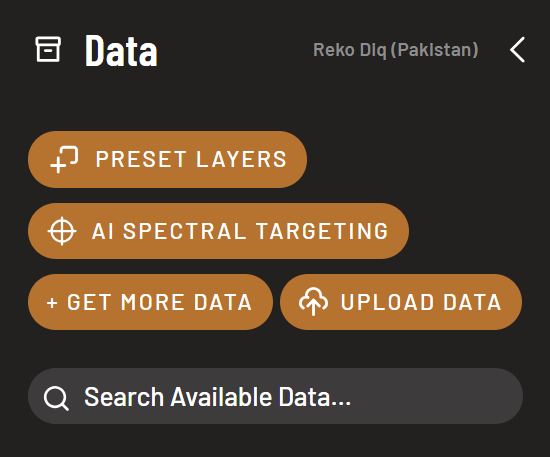
We simplified the ordering process. If you know your AOI, you’ll get started quickly, reducing friction between intent and output.
Screenshot everything you see, including legends
The Star of the Release - in-app AI Spectral Targeting 🎯
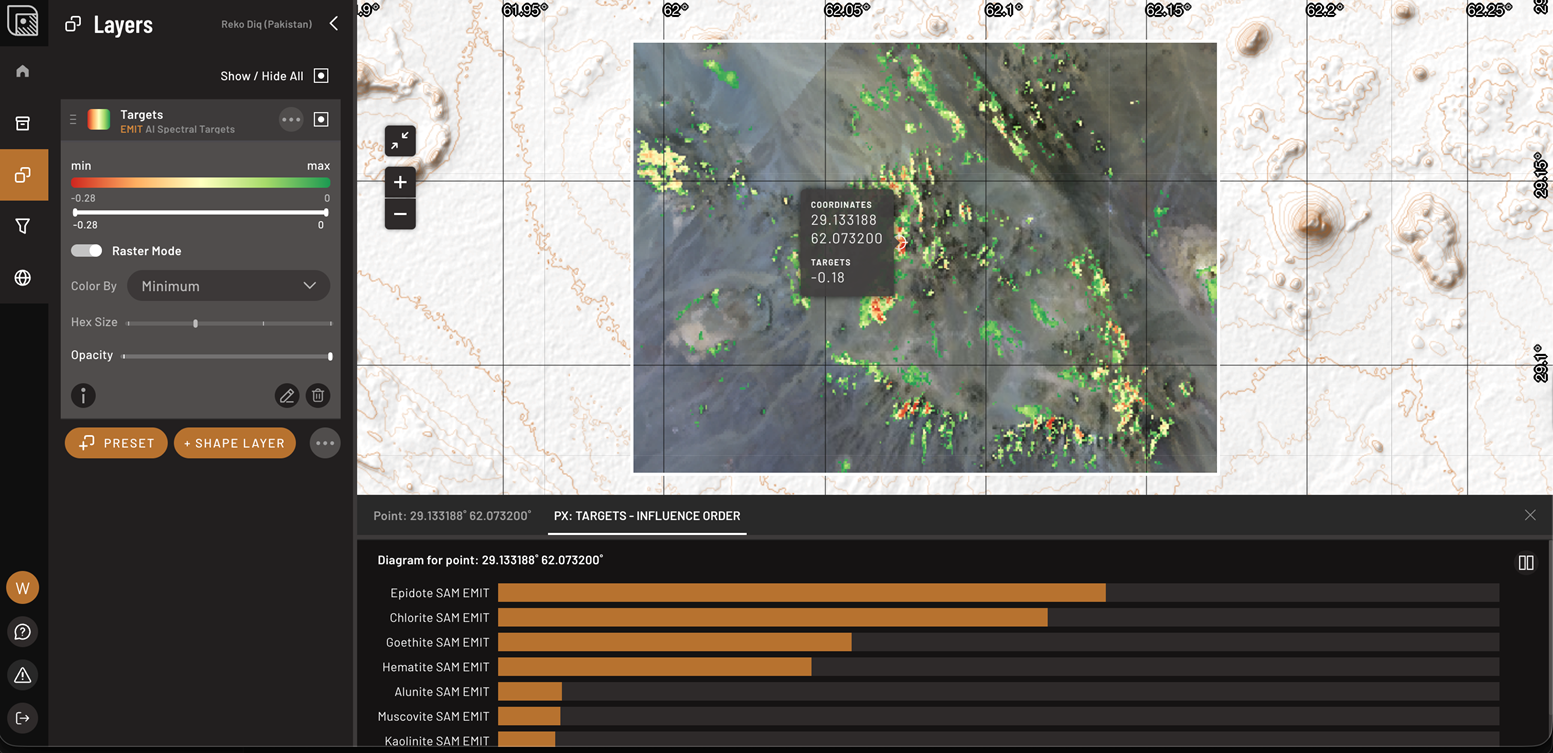
For teams on AI Project Generator and Portfolio Manager tiers, AI Spectral Targeting now runs inside TerraEye.
- Generate Spectral Targets on demand from your AOI.
- Use the Raster Mode or Hexagon mode switcher to move through stacked mineral maps smoothly.
- Click any pixel to open the Target Influence Diagram and see which mineral-mapping layers contributed the most.
- Your runs appear under User-generated analysis with clear progress states and helpful error messages if anything goes sideways.
The goal is simple: integrate multiple spectral mineral maps, understand what’s driving each target, and cover extensive areas without missing the subtle stuff.
If you want a quick walkthrough or have feedback, reply to this email with what you’re trying to achieve, and we’ll direct you to the fastest path. Onwards,
Marek @ TerraEye
P.S. Not on AI Project Generator or Portfolio Manager yet? Get On it quick!